
Latest Version
Juan Liu
Tools
iOS
Free
355253462
Report a Problem
More About Documents Reader and File Manager Pro
The Challenge of iOS File Management
Managing multiple file formats on an iOS device has historically presented significant hurdles. Users frequently struggle with transferring files between desktop environments and mobile devices, viewing diverse document types on the go, and maintaining data privacy. Documents Reader and File Manager Pro iOS file management software addresses these challenges directly, transforming your iPhone into a highly capable, localized storage and administrative hub.
Streamlined Wireless Transfers and Storage Integration
One of the standout capabilities of this utility is its versatile connectivity. Instead of relying solely on physical cables, the app offers robust wireless file sharing options:
- Zero-Client WiFi Transfer: Move files between your computer and mobile device using any standard web browser, eliminating the need for dedicated desktop software.
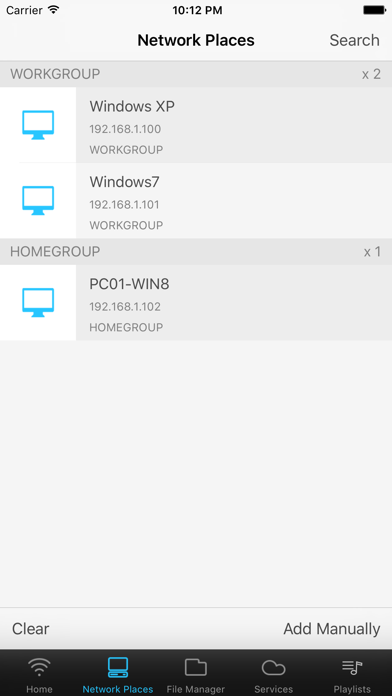
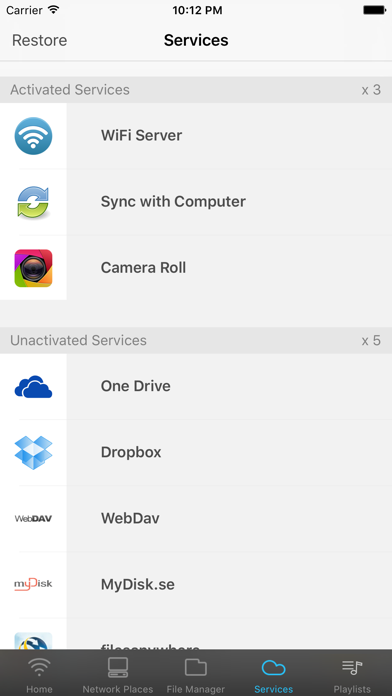
- Cloud and Network Integration: Seamlessly connect with external storage platforms including Dropbox, GoogleDocs, myDisk, and WebDAV servers to manage remote files as if they were stored locally.
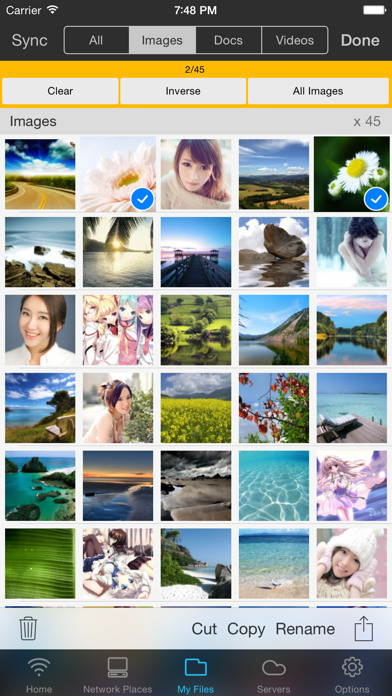
- Batch Processing: Upload, copy, paste, compress, or delete multiple items simultaneously to save time.
A Versatile Media and Document Viewer
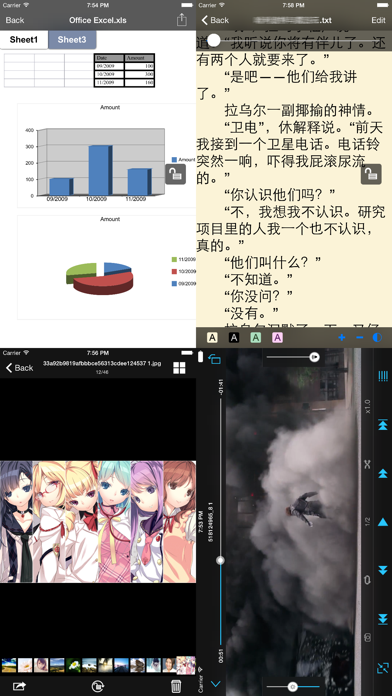
Beyond its organizational strengths, the Documents Reader and File Manager Pro iOS file management tool features comprehensive built-in readers. Users can open office documents, PDFs, compressed ZIP archives, and images directly within the application. It also features specialized tools such as a dedicated TXT reader optimized for long-form reading, alongside integrated audio and video players with automatic resume functionality to pick up exactly where you left off.
Privacy and File Security
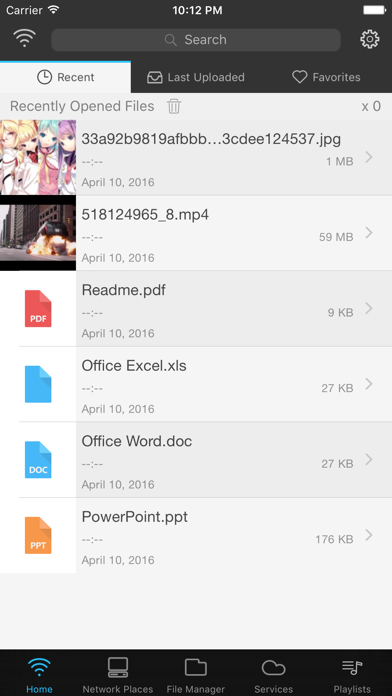
For users handling sensitive information, the app provides essential security controls. You can organize your documents into custom folders and secure them with dedicated access passwords. To maintain privacy, recently viewed items stored within these encrypted folders are automatically excluded from the main interface's quick-access list.
Is It Right for You?
If you require a dependable, offline-capable environment to store, view, and organize diverse file formats on your iPhone, this tool offers an excellent balance of utility and security. To explore its features further or to add it to your device, visit the official iOS App Store today.
Rate the App
User Reviews


Popular Apps