
Latest Version
Warlord Softwares
Travel & Local
Linux
Free
com.warlordsoftwares.formatlab
Report a Problem
More About FormatLab
The Ultimate Media Converter for Linux Desktops
FormatLab video and audio converter delivers a highly efficient, production-grade utility designed to handle resource-heavy transcoding tasks on Linux. Developed by Warlord Softwares, this application streamlines the process of converting multi-format media files without sacrificing output quality. Whether you need to compress massive 4K footage or extract high-fidelity audio tracks for post-production, this software provides a robust local desktop solution.
Key Capabilities: What Can You Actually Do With It?
Unlike basic command-line utilities that require complex syntax, this tool brings visual simplicity and high-performance processing to your media workflow. Here is what you can achieve:
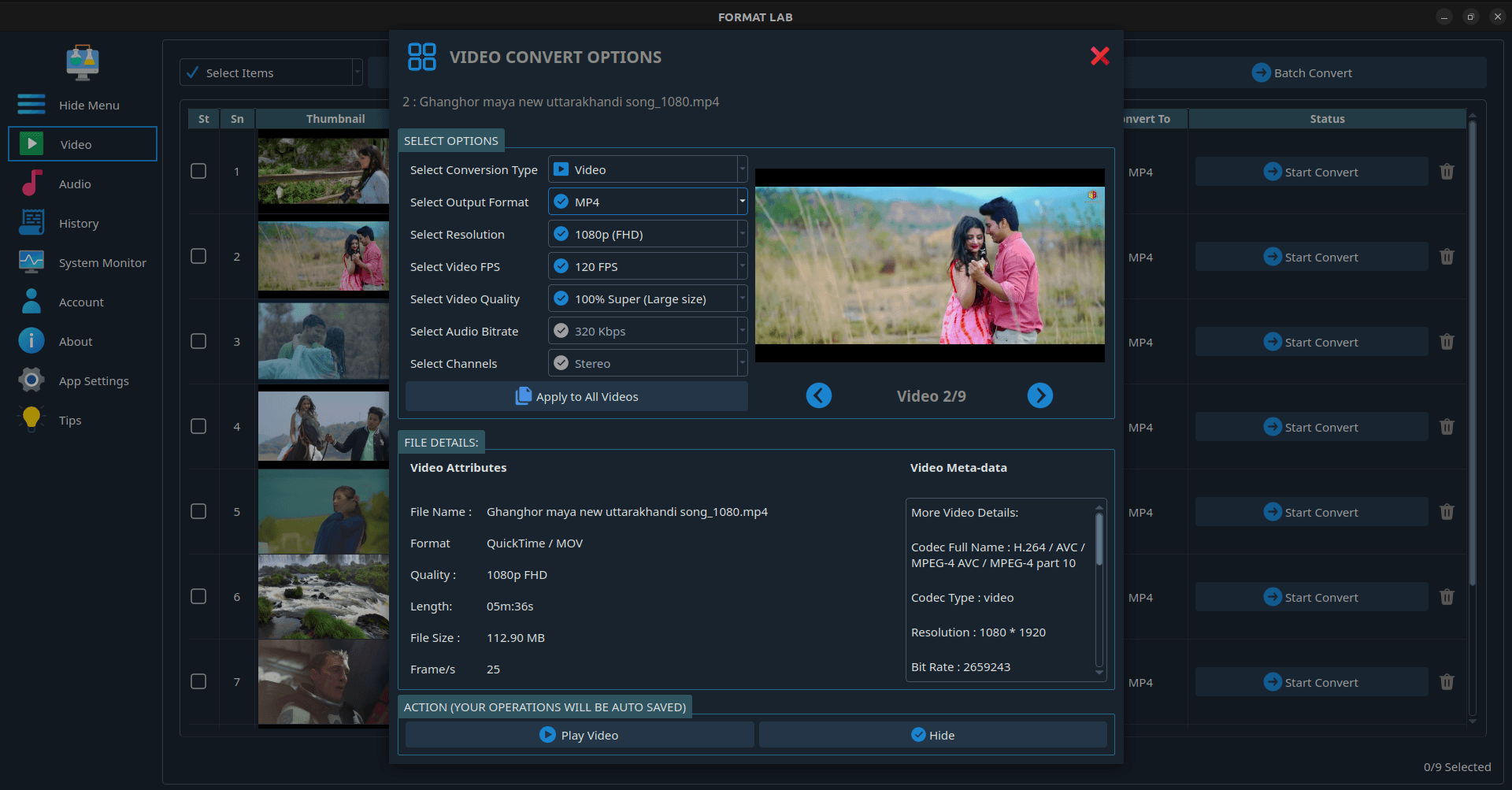
- Lossless Media Conversion: Convert high-resolution video and audio files across an expansive array of formats (including MP4, MKV, MOV, AAC, FLAC, and MP3) while retaining exact original quality.
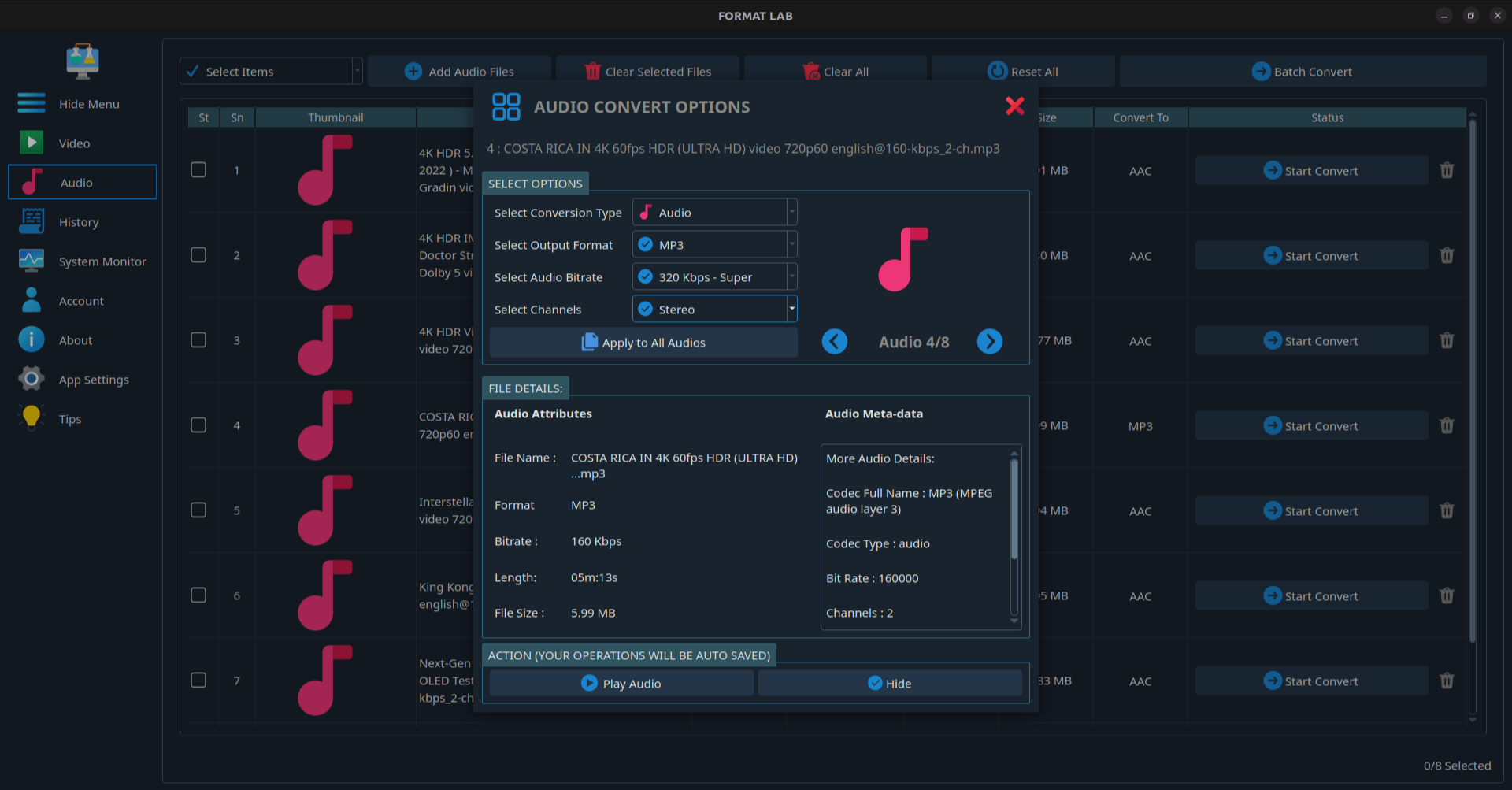
- Extract Studio-Grade Audio: Isolate clean HD audio streams directly from video files, supporting advanced surround sound configurations such as 5.1 and 7.1 channels.
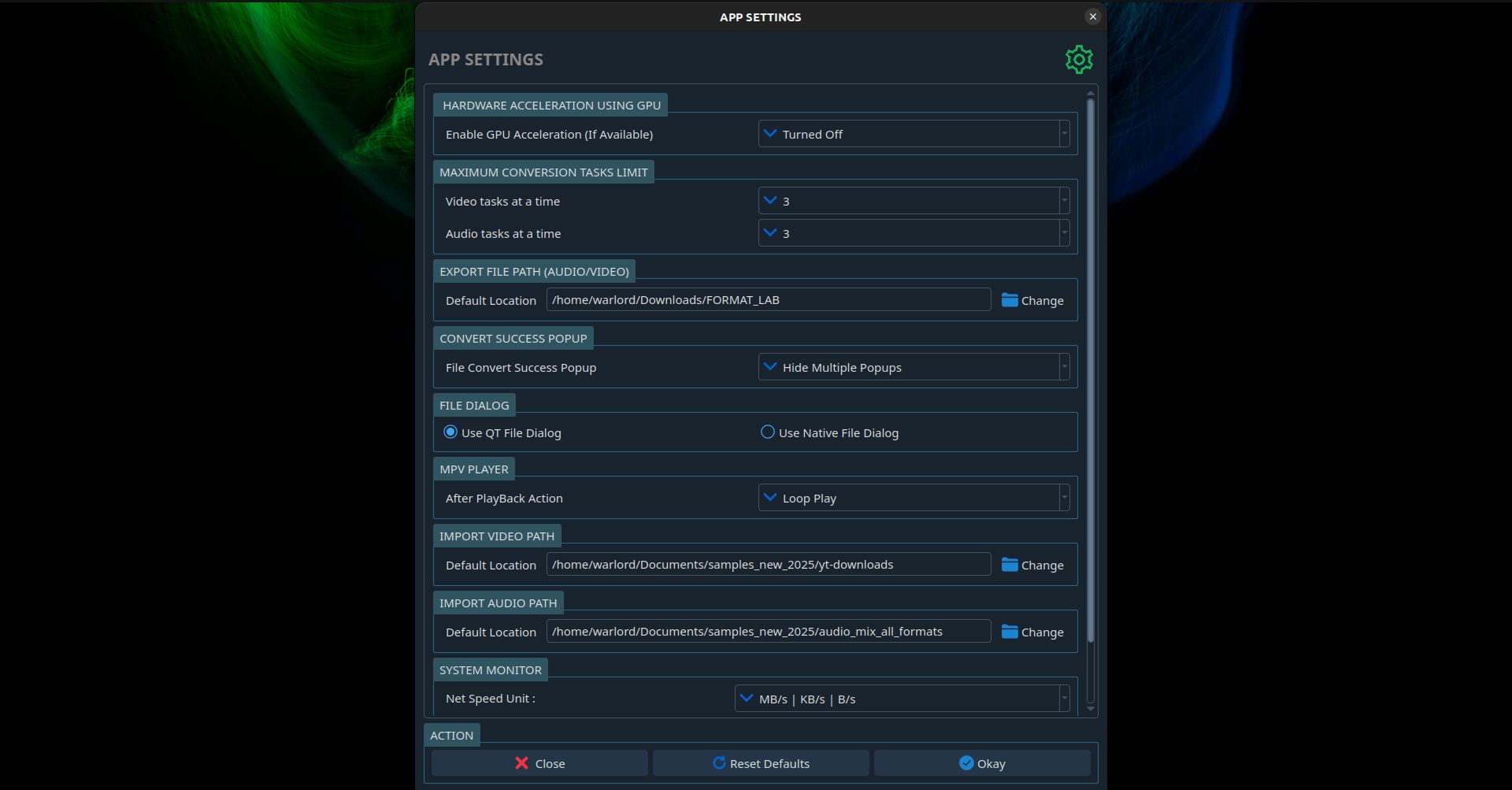
- Hardware-Accelerated Encoding: Leverage your system's GPU for hardware acceleration, significantly reducing rendering times for complex codecs like HEVC and VP9.
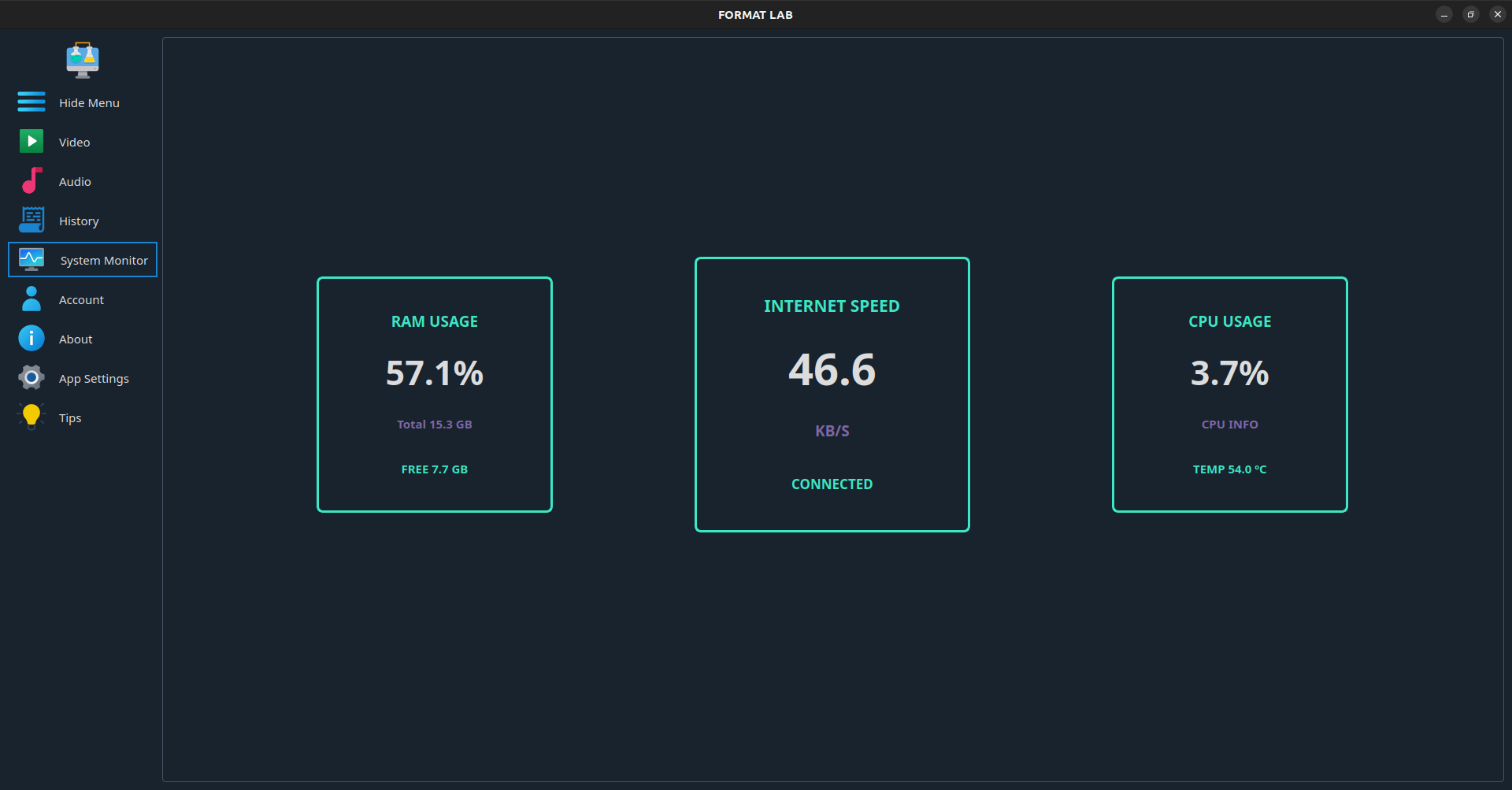
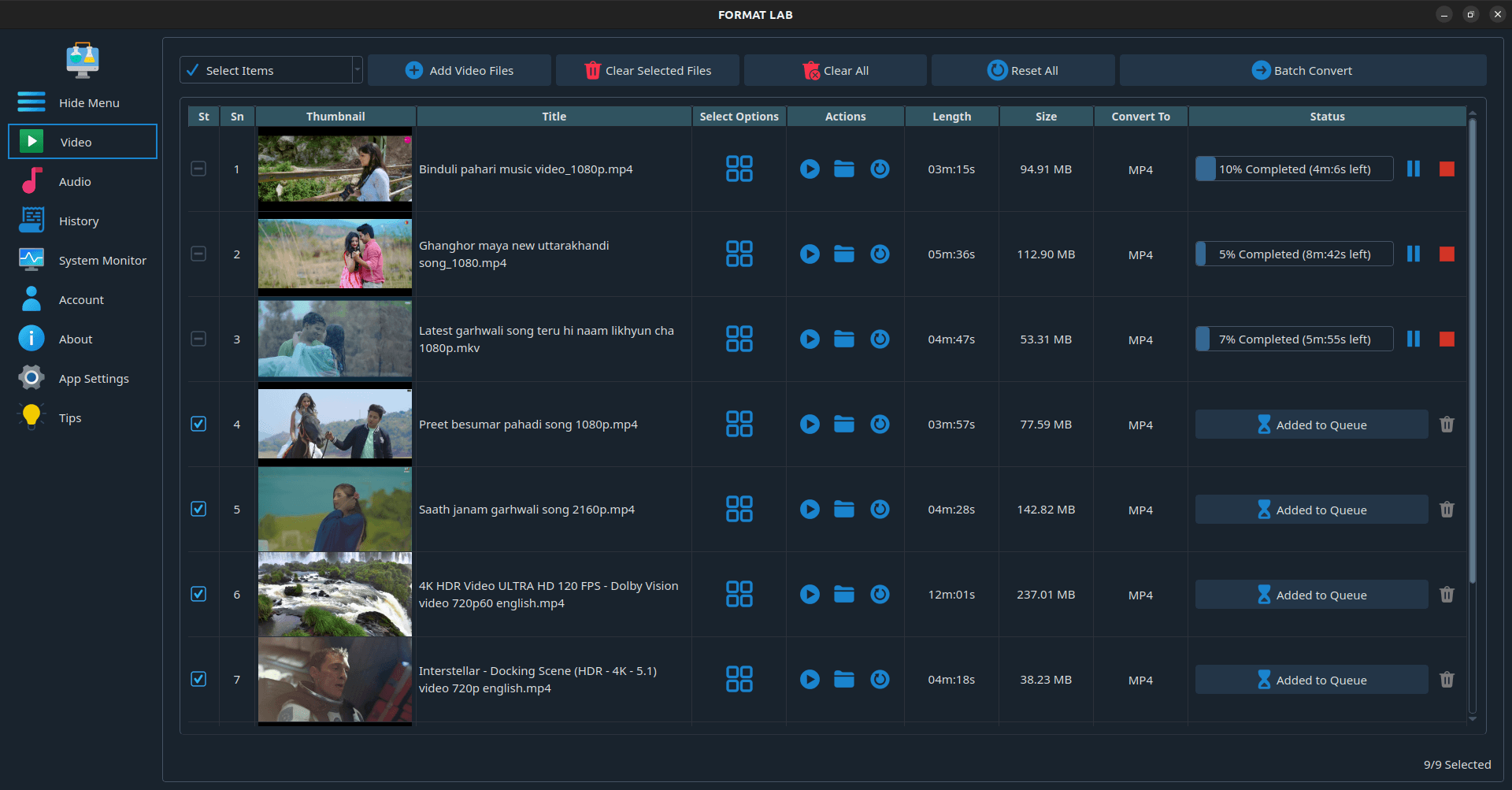
- Batch Processing & Control: Import multiple files simultaneously using simple drag-and-drop actions, while keeping an eye on system resources via the built-in CPU usage monitor.
Who is FormatLab Designed For?
This software is tailored specifically for Linux users who require a dependable, offline desktop converter. Content creators, video editors, and audiophiles will benefit from the granular control over frame rates (FPS) and video quality. Because it supports modern codecs alongside legacy formats, it serves as an excellent bridge for archiving old media libraries or preparing raw camera footage for modern editing suites.
A Clean, Uncluttered Workflow
What truly sets the FormatLab video and audio converter apart is its straightforward presentation. There are no convoluted menus or hidden configuration screens. You simply drag your source files into the interface, select your desired output profile, customize your quality parameters, and let the GPU-powered engine handle the heavy lifting. It removes the friction from daily media preparation.
Explore the App
If you are looking for a reliable, high-performance transcoding tool to add to your Linux desktop setup, this application is a stellar choice. To learn more about its installation options and technical requirements, visit the official Flathub store page to get started.
Rate the App
User Reviews







Popular Apps