

Latest Version
Abdullah App
IT Tools
Windows
1.99
9pdwt1h586sx
Report a Problem
More About Easily manage databases
The Struggle of Manual Database Administration
For many small business owners, aspiring developers, and IT administrators, dealing with database management is a daunting task. Writing raw SQL queries to perform routine operations like editing rows or creating tables can slow down your workflow and introduce human error. The Easily manage databases MySQL tool addresses this exact pain point by providing a clean, visual wrapper over your data, eliminating the need for command-line complexity.
Streamlined Database Management on Windows
Developed by Abdullah App, Easily manage databases MySQL tool is a lightweight Windows application built to simplify your daily database workflows. Instead of wrestling with heavy, over-engineered enterprise suites, users get a fast, responsive graphical interface that focuses on speed and ease of use.
Core Features and Capabilities
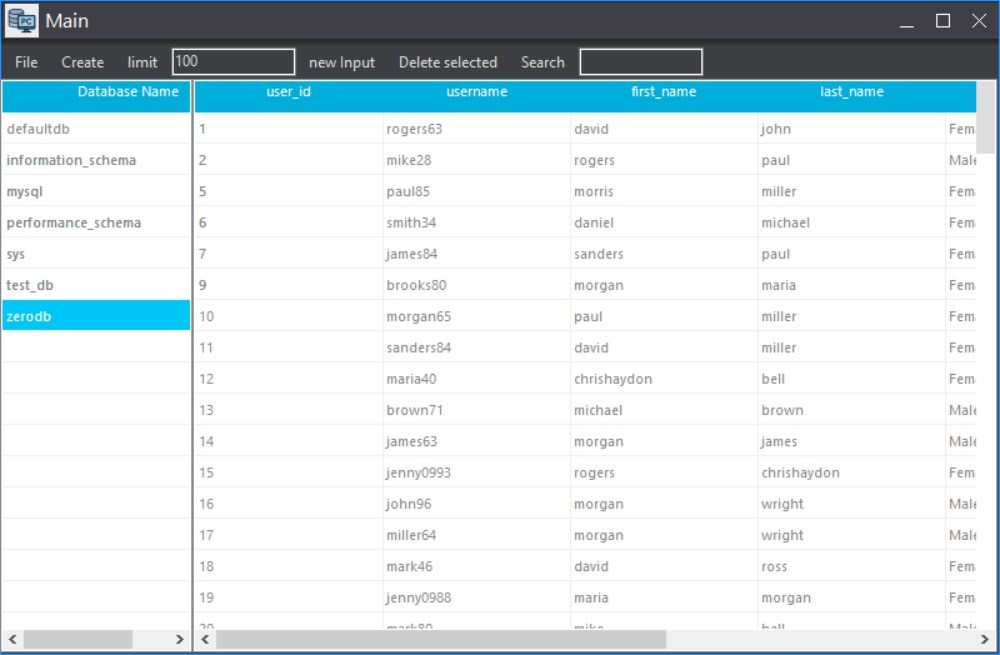
- Automatic Schema Discovery: The software automatically detects your existing databases and tables upon connection, saving you manual setup time.
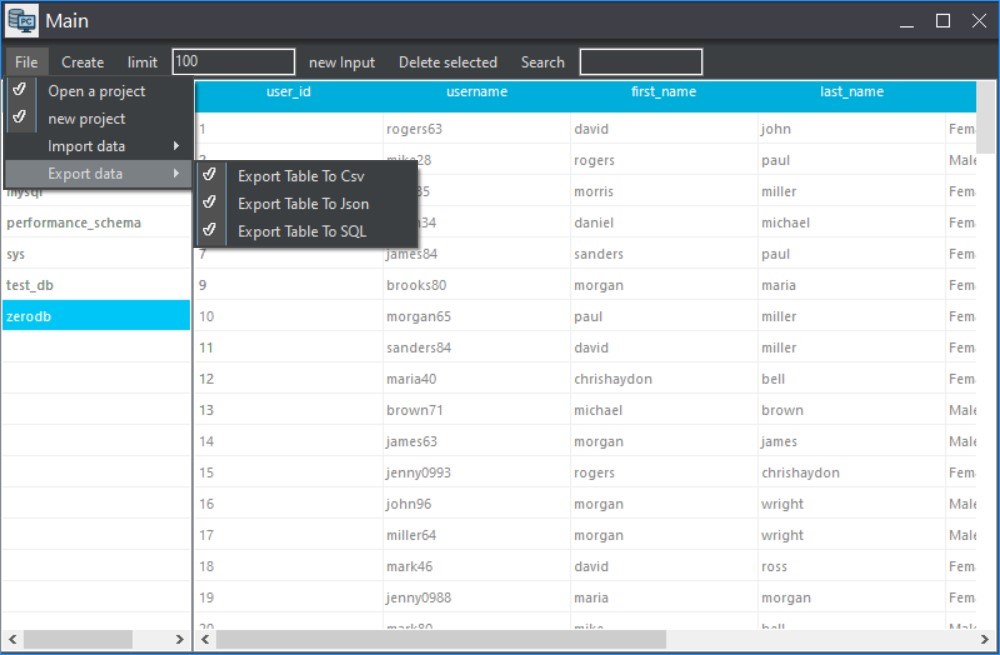
- Dynamic Data Viewer: Browse, filter, and view your tables inside a fully customizable, responsive grid interface.
- Direct In-Line Editing: Insert new records, update existing fields, or delete rows directly from the active window without writing a single line of SQL.
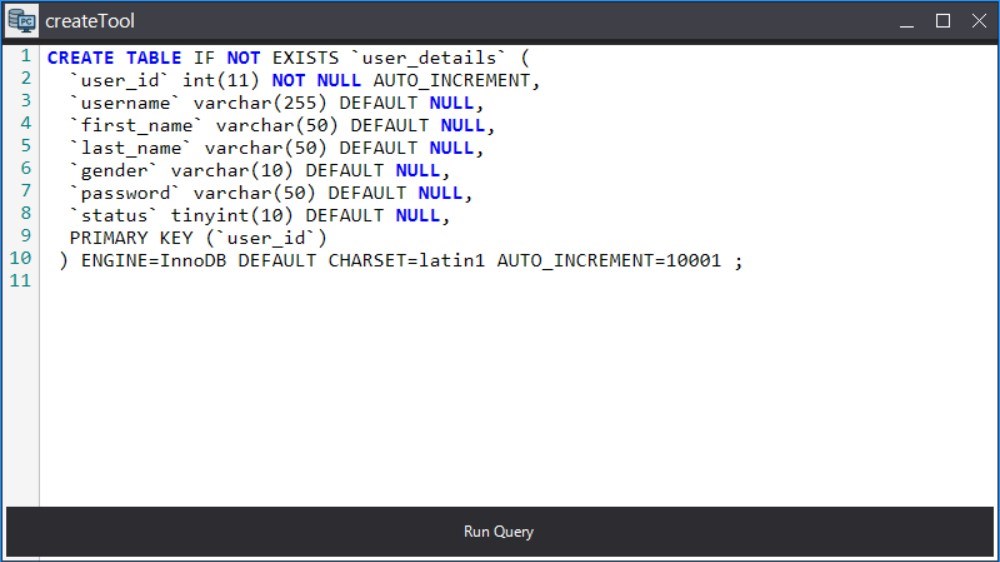
- Integrated SQL Scripting: For advanced users, a built-in SQL editor is available to execute custom scripts when visual tools aren't enough.
- Data Security: Built-in encryption protocols ensure that your sensitive credentials and database information remain secure.
- External File Support: Easily utilize external files for secure, localized data storage and configuration management.
Who Benefits Most From This Tool?
This utility is specifically tailored for those who need efficiency without the bloat. Novice developers can use it as a learning aid to interact with data visually. Small business owners who manage local inventory or customer databases will find the straightforward interface highly accessible. Additionally, IT professionals looking for a quick, resource-light tool for Windows will appreciate its fast startup times and minimal footprint.
An Efficient Path to Database Control
If you are tired of dealing with overly complex database administration panels, this application offers a refreshing, simplified alternative. It successfully bridges the gap between raw database engines and user-friendly visual interaction.
To explore this tool further and integrate it into your development environment, check out the official listing on the Microsoft Store.
Rate the App
User Reviews




Popular Apps