
Latest Version
Freelens Authors
IT Tools
Linux
Free
app.freelens.Freelens
Report a Problem
More About Freelens
A Modern GUI for Complex Container Orchestration
Managing containerized environments can quickly become a maze of terminal commands. Freelens Kubernetes IDE steps in as a robust, community-maintained graphical interface designed to bring clarity and control back to your DevOps workflow. Built specifically for the Linux platform, this development tool visualizes complex cluster states, making it an excellent companion for developers and system administrators who want to move beyond raw command-line interfaces without losing their power.
Key Features of the Freelens Kubernetes IDE
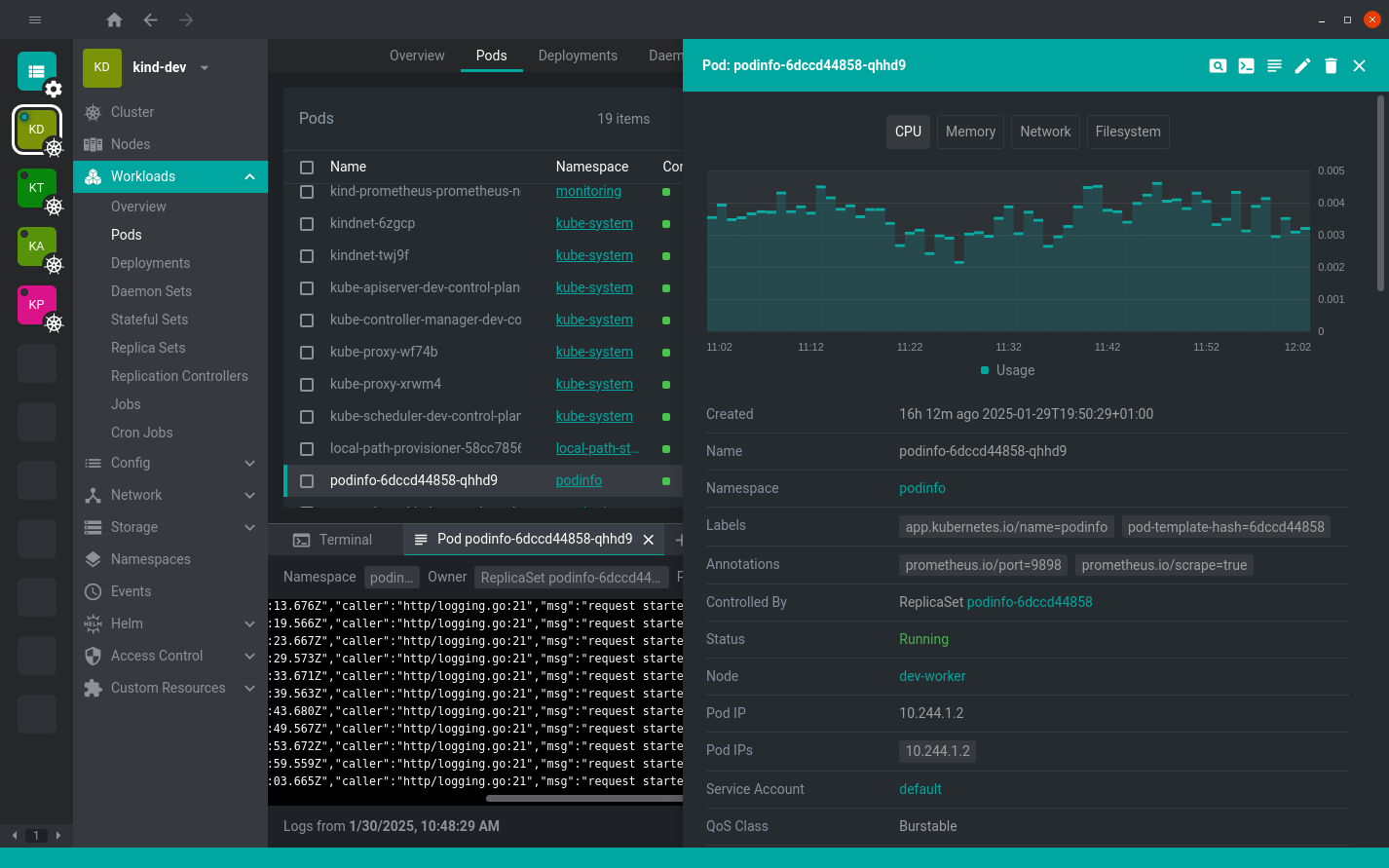
The strength of Freelens Kubernetes IDE lies in its ability to synthesize live cluster data into an intuitive, real-time dashboard. Here is what makes it a standout choice for managing modern workloads:
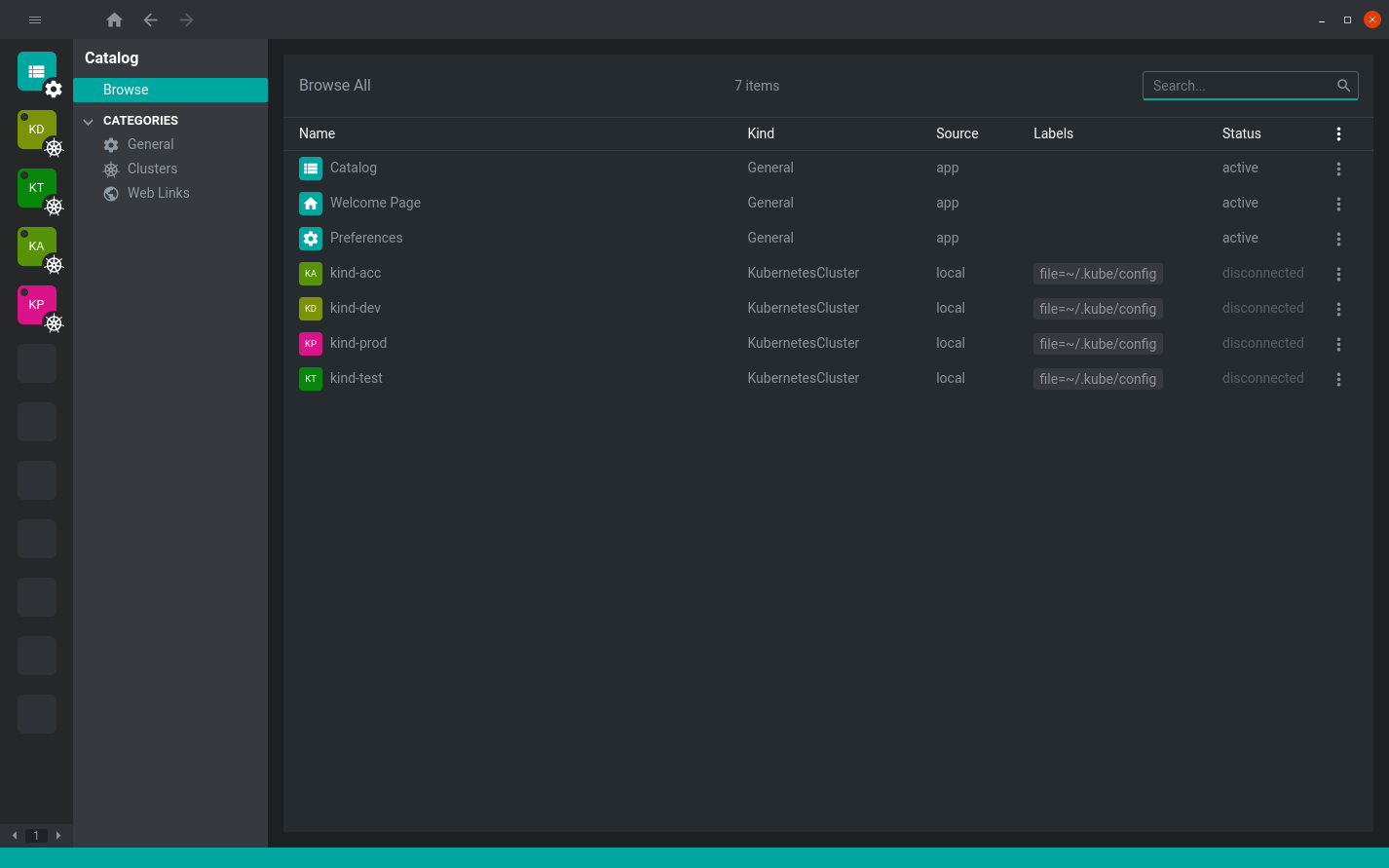
- Multi-Cluster Support: Seamlessly toggle between development, staging, and production environments from a single application interface.
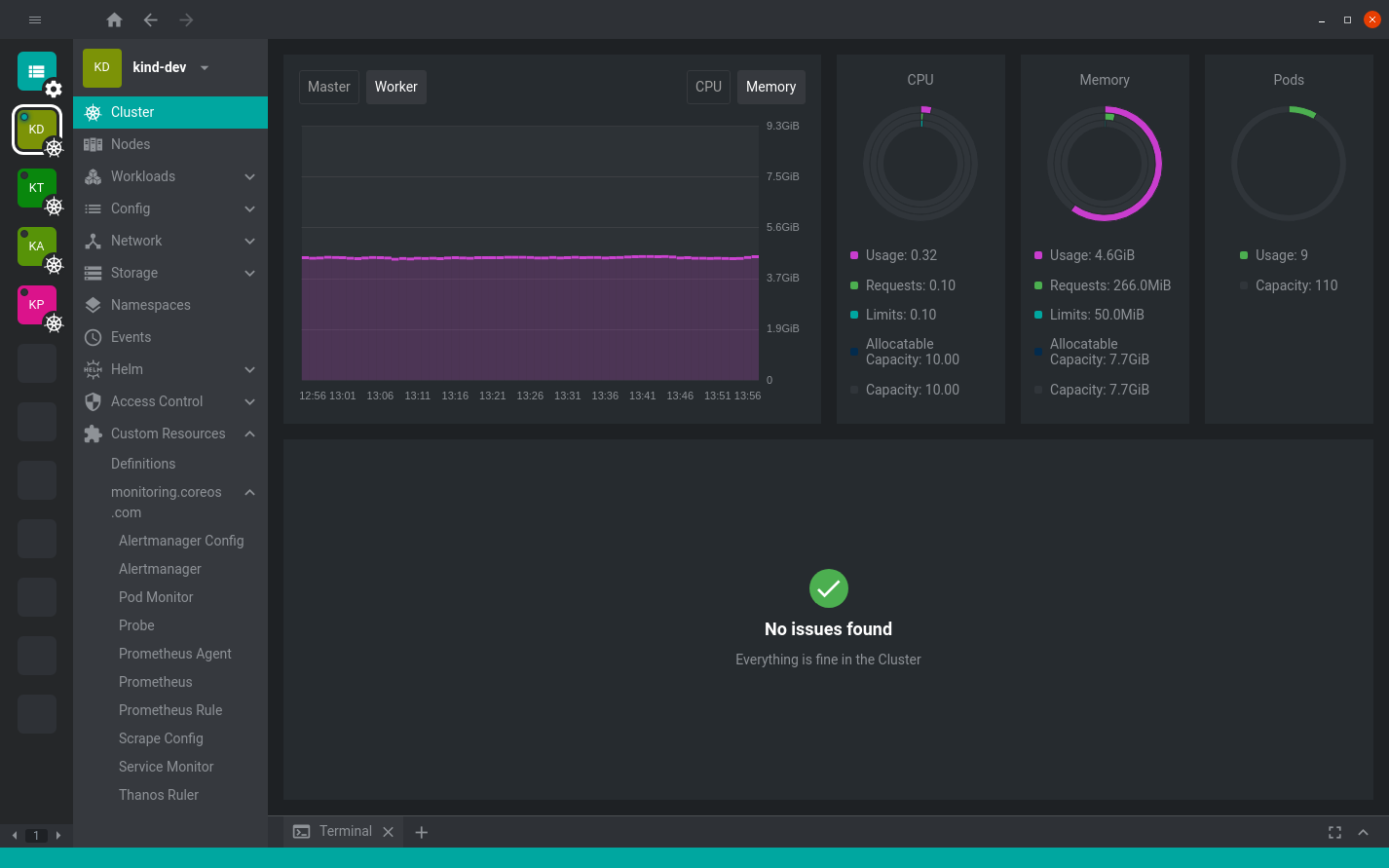
- Real-Time Insights: Monitor the health, performance, and resource consumption of your nodes and pods as changes happen.
- Built-In Terminal Access: Run diagnostic commands directly inside your pods and nodes with an integrated terminal.
- Resource Visualization: Drill down into workloads, networking rules, storage allocations, and configuration files without writing complex kubectl queries.
- Extensible Architecture: Enhance the base functionality of the IDE by integrating custom community extensions.
Flatpak Integration and Sandboxing Details
For Linux users running Freelens via Flatpak, the application operates in a secure sandbox. It comes pre-packaged with essential tools like kubectl and helm, utilizing your local ~/.kube/config path by default. To maintain host-level compatibility, Flatpak includes smart wrappers for external CLI utilities such as aws, doctl, gke-gcloud-auth-plugin, glab, and kubelogin, executing them seamlessly from your host system.
The internal terminal uses /bin/sh out of the box, but you can easily configure it to use /bin/bash for sandboxed tasks or utilize /app/bin/host-spawn to interact directly with your host environment. If you need to expose local certificates, such as those for Minikube, a simple override command (flatpak override --user --filesystem=~/.minikube app.freelens.Freelens) grants the necessary filesystem permissions.
Who Benefits Most From Freelens?
Whether you are a software engineer deploying your first microservice or an experienced SRE debugging production workloads, this software bridges the gap between raw YAML files and visual representations. It eliminates the cognitive load of memorizing endless CLI flags while keeping a powerful shell just one click away.
To try this community-driven tool and streamline your container operations, visit the official Flathub store page to explore installation options for your Linux distribution.
Rate the App
User Reviews




Popular Apps