

Latest Version
Vitaliy Golubenko
Entertainment
Mac
$19.99
937759555
Report a Problem
More About Elmedia Universal Video Player Mac App Review & Guide
For macOS users seeking a seamless media experience, the Elmedia universal video player stands out as a highly robust, professional-grade solution. Developed by Vitaliy Golubenko, this application eliminates the typical frustrations of modern video playback by offering native support for almost every conceivable file format without requiring third-party codecs or plugins.
Unmatched Format Support with Elmedia Universal Video Player
Whether you are dealing with common web formats or niche container types, this player handles them effortlessly. The software is optimized to run natively on Apple Silicon, ensuring that high-definition 4K and 8K videos render smoothly without draining your system resources. By utilizing hardware-accelerated decoding, it delivers a stutter-free experience even during intensive playback tasks.
The application supports a vast array of formats, including:
- Video: MP4, AVI, MKV, MOV, FLV, WMV, WebM, and DAT
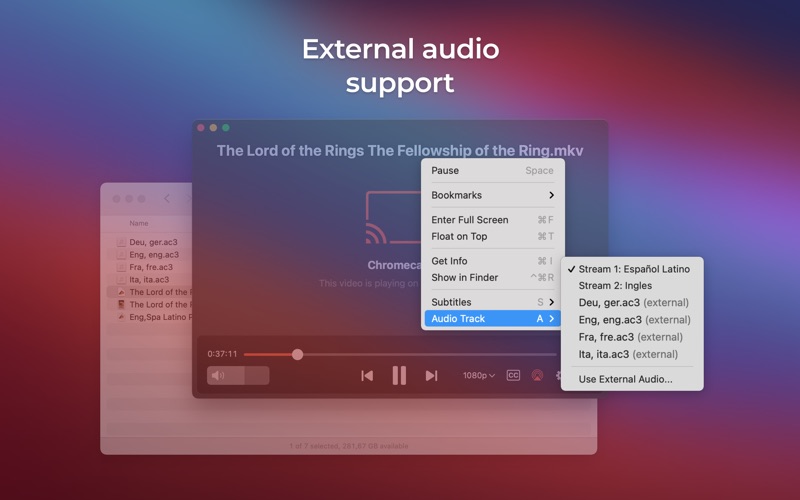
- Audio: MP3, FLAC, M4A, WMA, AAC, and WAV
- Subtitles: SRT, ASS, VTT, SUB, and IDX
Advanced Streaming and Control Features
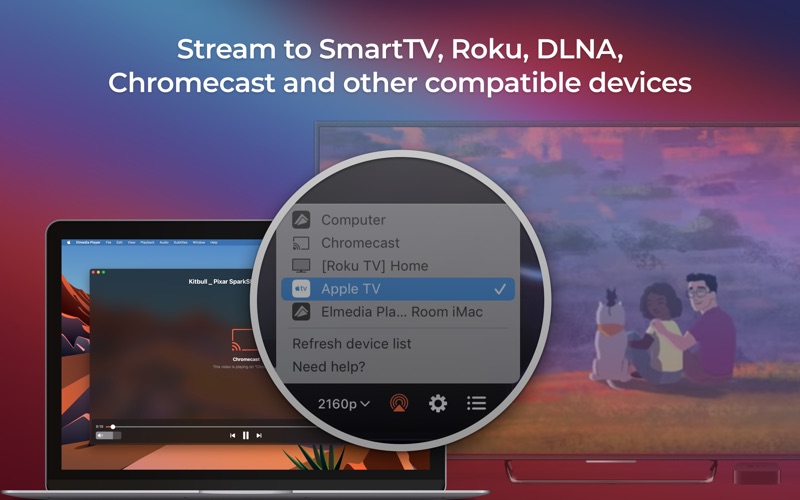
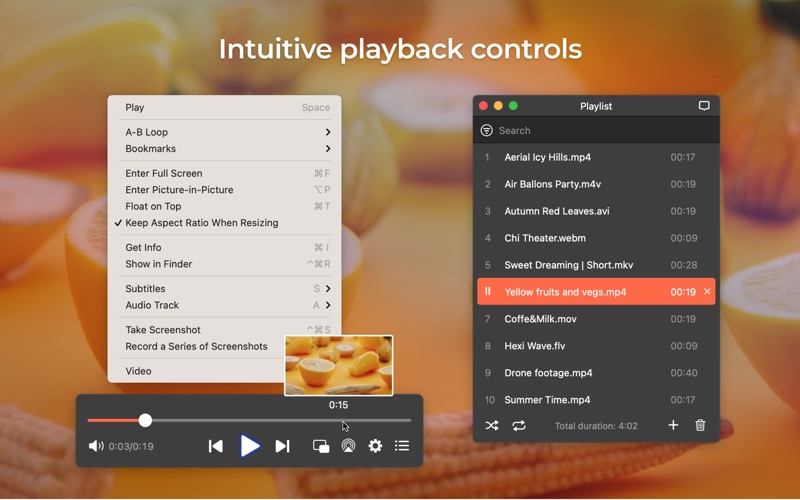
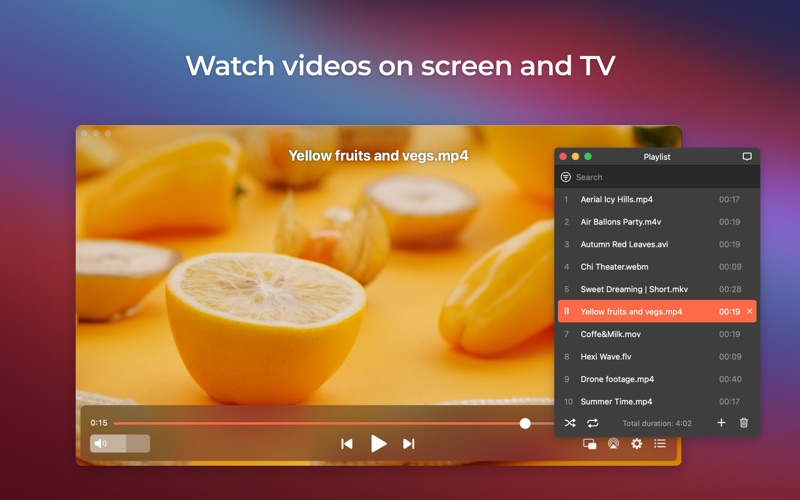
Beyond local playback, the Elmedia universal video player excels as a media casting hub. Users can stream local files directly to Smart TVs (including Samsung, LG, Sony, and Roku), Chromecast, Apple TV, and other DLNA-certified hardware. The player can transcode files in real-time if the destination device doesn't natively support the format, maintaining high-quality performance throughout.
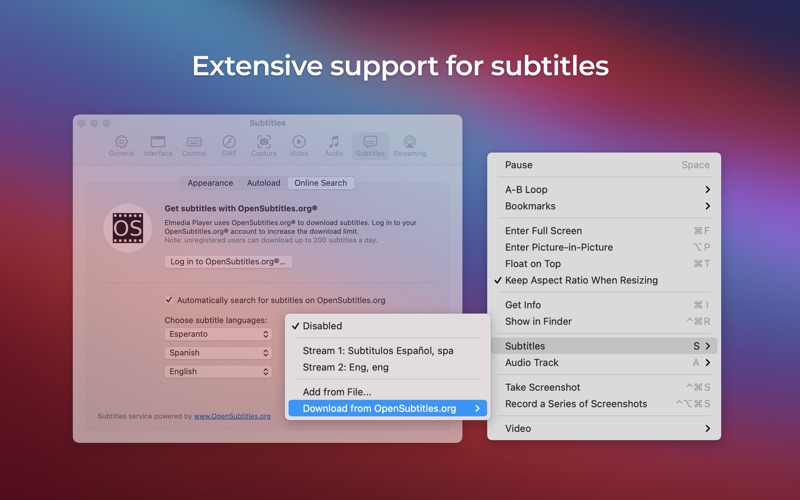
Additionally, the integrated OpenSubtitles search engine allows viewers to find and load matching subtitles in seconds without leaving the interface. This feature, combined with precise subtitle synchronization controls, makes watching international media incredibly convenient.
Tailored Audio and Video Customization
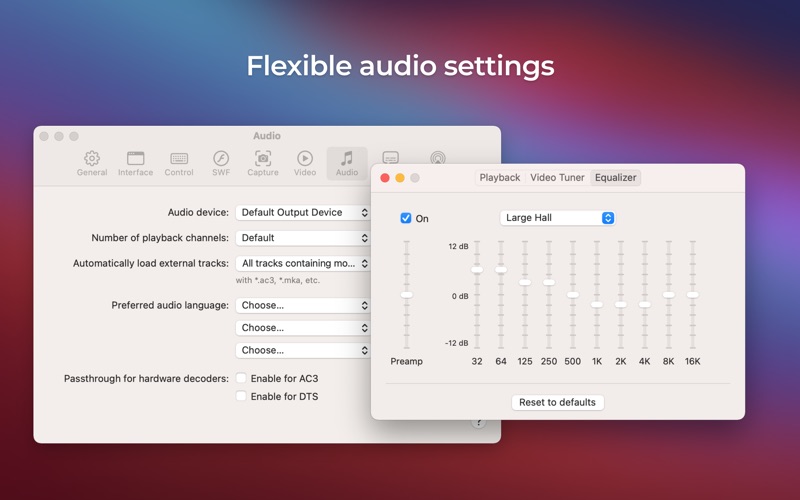
Power users will appreciate the deep level of control available. The software features a multi-band audio equalizer with built-in presets, options to adjust playback speeds, a picture-in-picture mode for multitasking, and a customizable screenshot tool that can export entire sequences. If you need to stream audio from a mobile device to a Mac connected to high-end speakers, the application also functions as a highly reliable AirPlay audio receiver.
An Essential Media Solution for macOS
This software is ideal for media enthusiasts, professionals, and casual viewers who want a single, dependable application to replace multiple disjointed tools. To explore its full capabilities and see how it elevates your home entertainment setup, visit the official Mac App Store to download this premium media player today.
Rate the App
User Reviews








Popular Apps