
Latest Version
Raymond NG
Entertainment
Mac
Free
1496988766
Report a Problem
More About Screen Mirror to TV & Device
Sharing your Mac's screen during a meeting, presentation, or family gathering often comes with annoying hurdles. Traditional cables limit your mobility, while proprietary wireless protocols usually restrict you to broadcasting to just one receiver at a time. The Screen Mirror to TV & Device screen casting utility eleganty bypasses these limitations by turning any standard web browser into a receiver, allowing you to broadcast your display to multiple destinations at once.
What is Screen Mirror to TV & Device?
Developed by Raymond NG and categorized under entertainment, Screen Mirror to TV & Device screen casting utility is a lightweight Mac application designed for effortless, multi-device screen sharing. Instead of relying on specialized receiving hardware or complex software installations on your target displays, this utility leverages basic web technology. It generates a local network URL that any device with a modern web browser can instantly display.
Key Features of This Multi-Screen Casting Tool
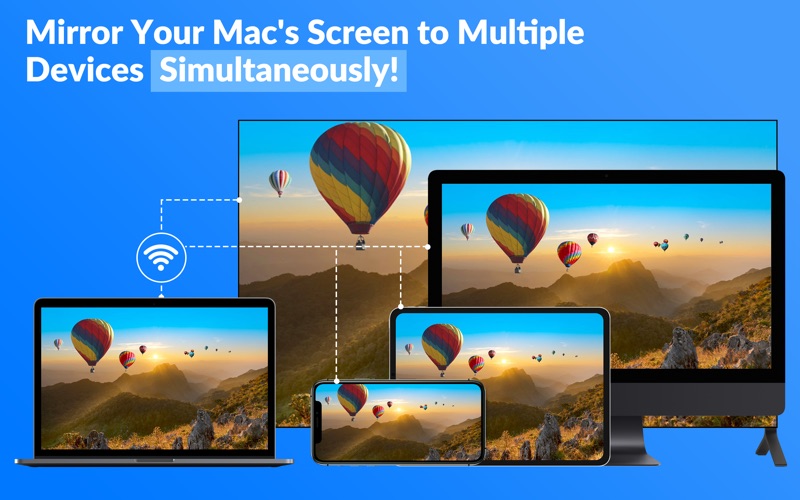
- Simultaneous Multi-Screen Mirroring: Unlike standard casting tools, you can mirror your Mac's screen to several devices at the same time.
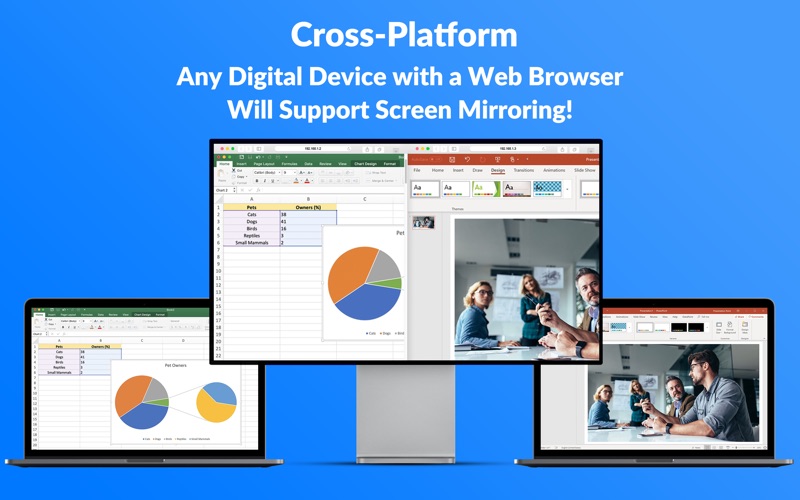
- Universal Cross-Platform Compatibility: Since the receiver only needs a web browser, you can stream to Smart TVs, PCs, laptops, smartphones, tablets, and even gaming consoles.
- Ultra-Low Latency: The developer has optimized the transmission pipeline to ensure an almost zero-second delay, making it ideal for real-time demonstrations.
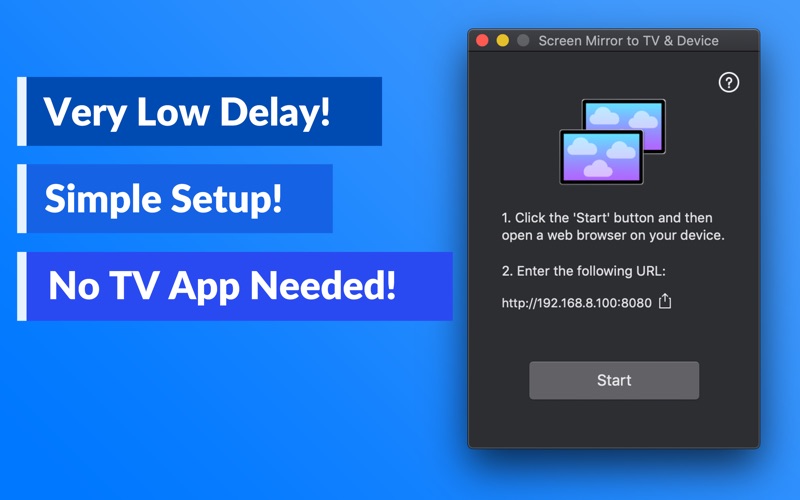
- Simple Browser-Based Setup: No companion apps are required on the receiving end. You simply enter a local URL or share it via AirDrop to begin viewing.
- Customizable Performance: Users can adjust frame rates and refresh times directly from the application's file menu to match their local network conditions.
How the Setup Process Works
Getting started with the Screen Mirror to TV & Device screen casting utility is straightforward. After launching the app on your Mac, you simply click the "Start" button to generate your unique local streaming URL. Next, open a web browser on any target device connected to the same Wi-Fi network and enter the address. Your Mac's desktop will immediately appear on the remote screen.
Note: Because this application streams directly over your local network for privacy and speed, all devices must be on the same network segment. It is not designed to function across complex enterprise setups like virtual LANs (VLANs), VPNs, or isolated subnets. Additionally, audio transmission is not supported in the current version.
Is This Screen Mirroring Tool Right for You?
If you regularly need to show your Mac screen to groups of people without passing around a single device or messing with HDMI adapters, this application offers an incredibly elegant solution. Whether you are presenting slides to colleagues on their individual phones, or showing a photo gallery on your living room Smart TV, its browser-based approach removes almost all compatibility friction.
Ready to simplify your wireless presentations? You can find more details and download the application by visiting the official Mac App Store.
Rate the App
User Reviews








Popular Apps